

Welcome new employees with a customised onboarding flow (and get rid of hiring admin for good).
Book a demo
Cut down on your workload with an automated onboarding platform. With Charlie, you can onboard new employees in seconds, not hours.
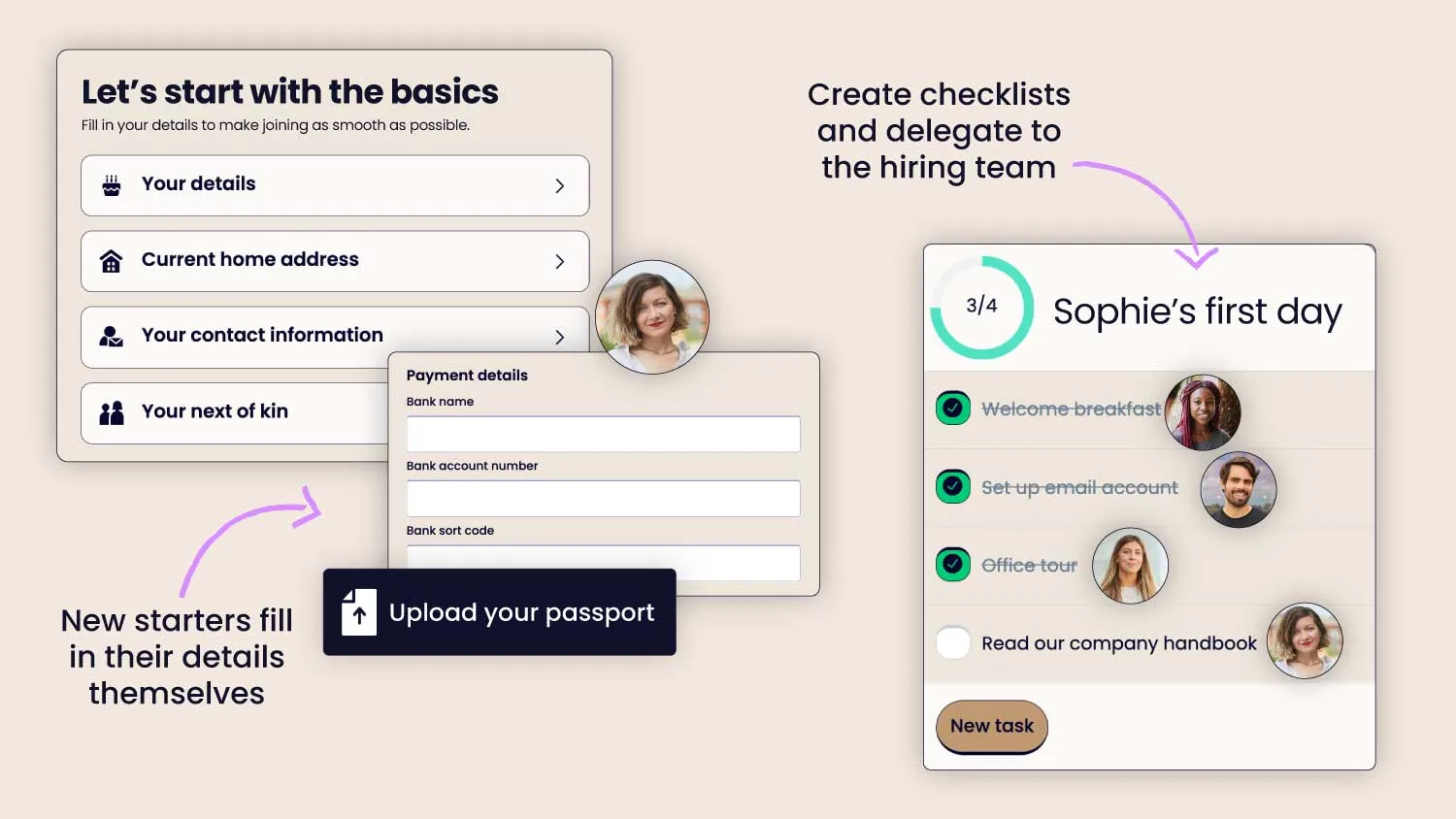
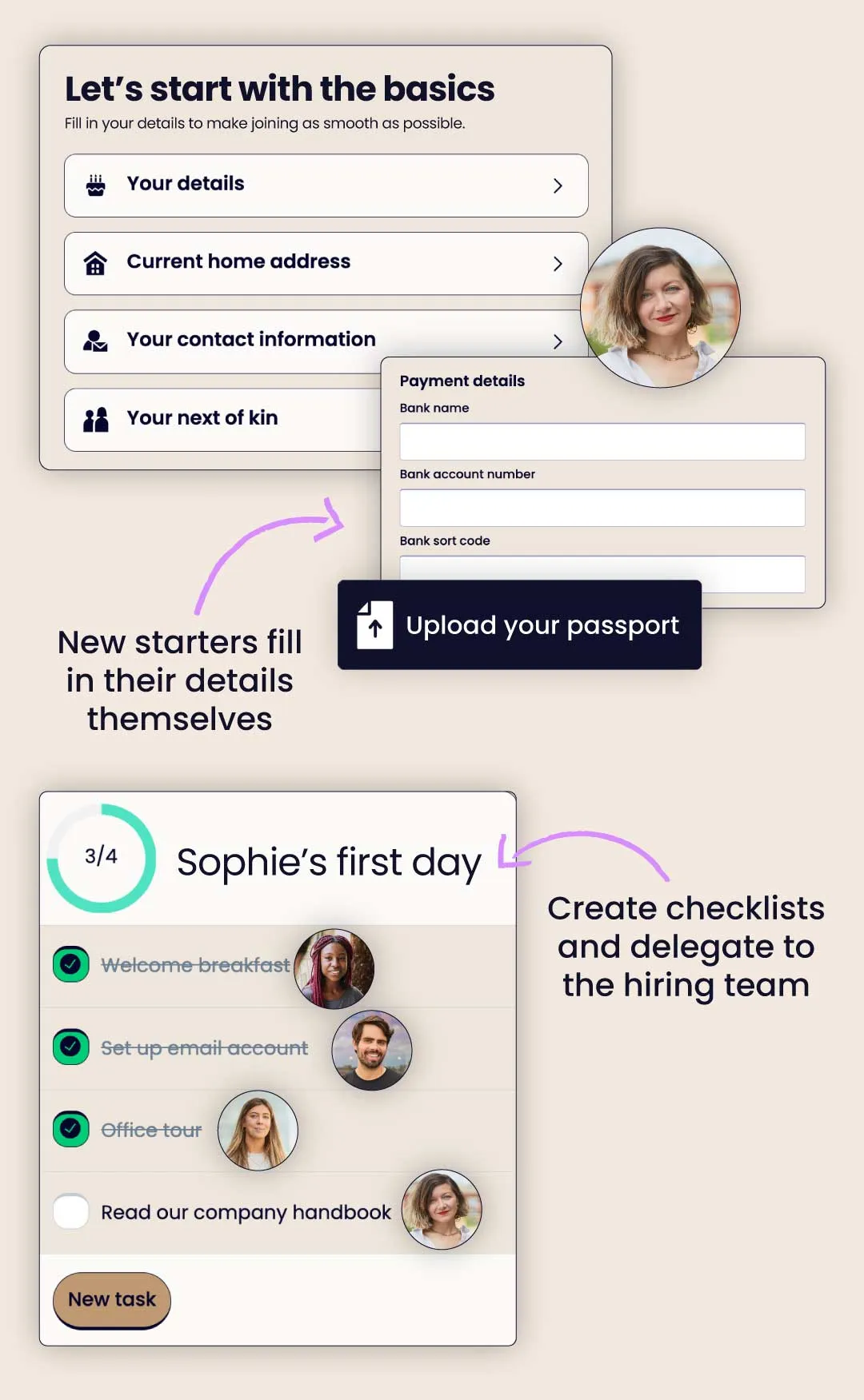
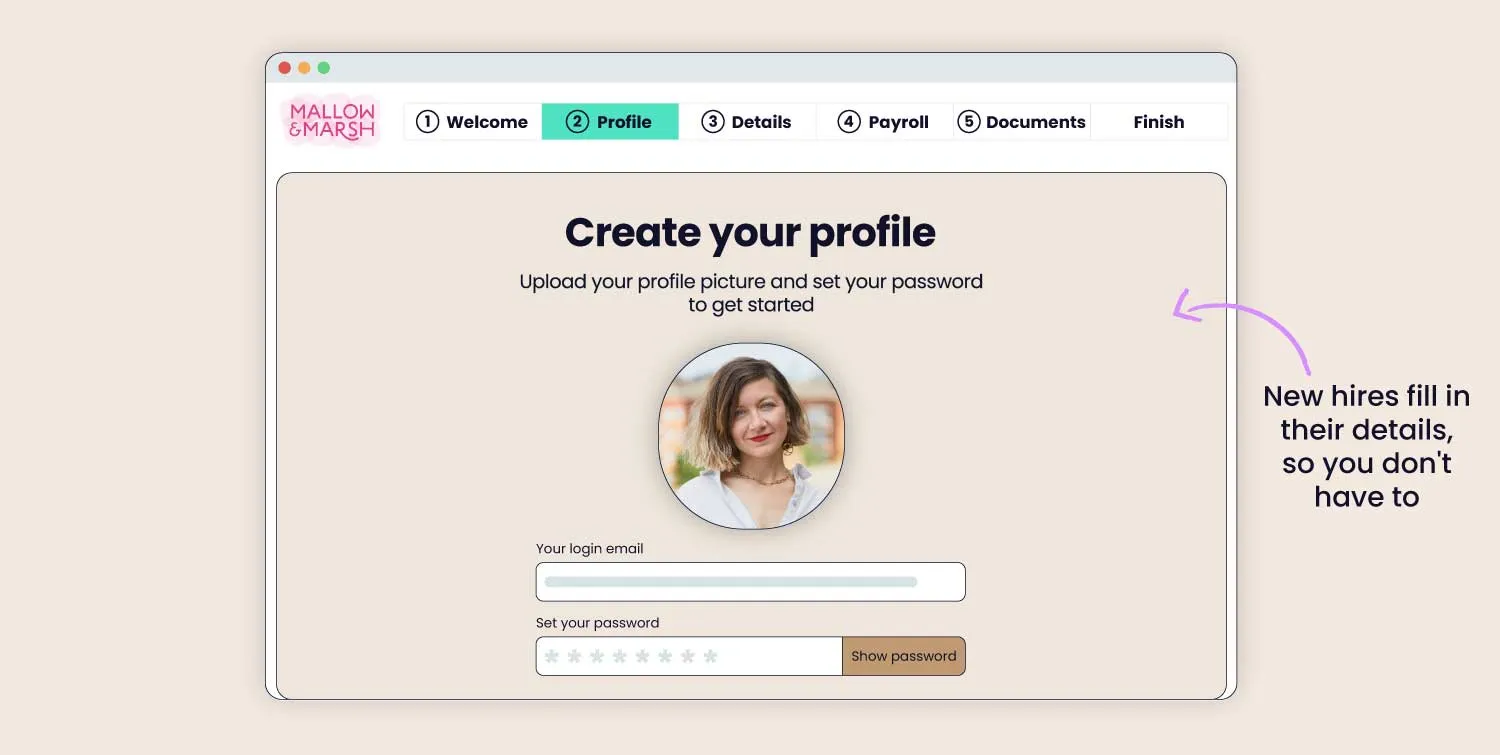
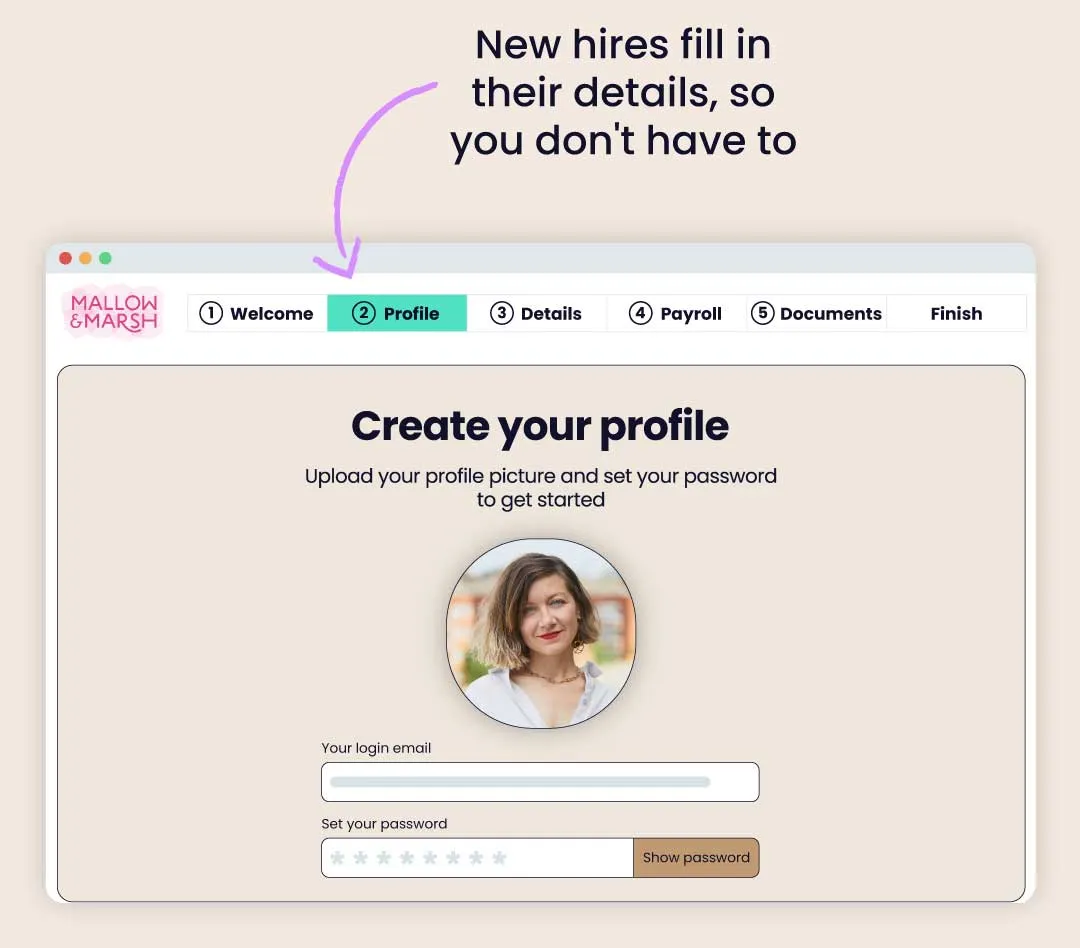
One-click onboarding: employees submit own details
Self-service system: no need to supervise
Legally-compliant hiring: for total peace of mind
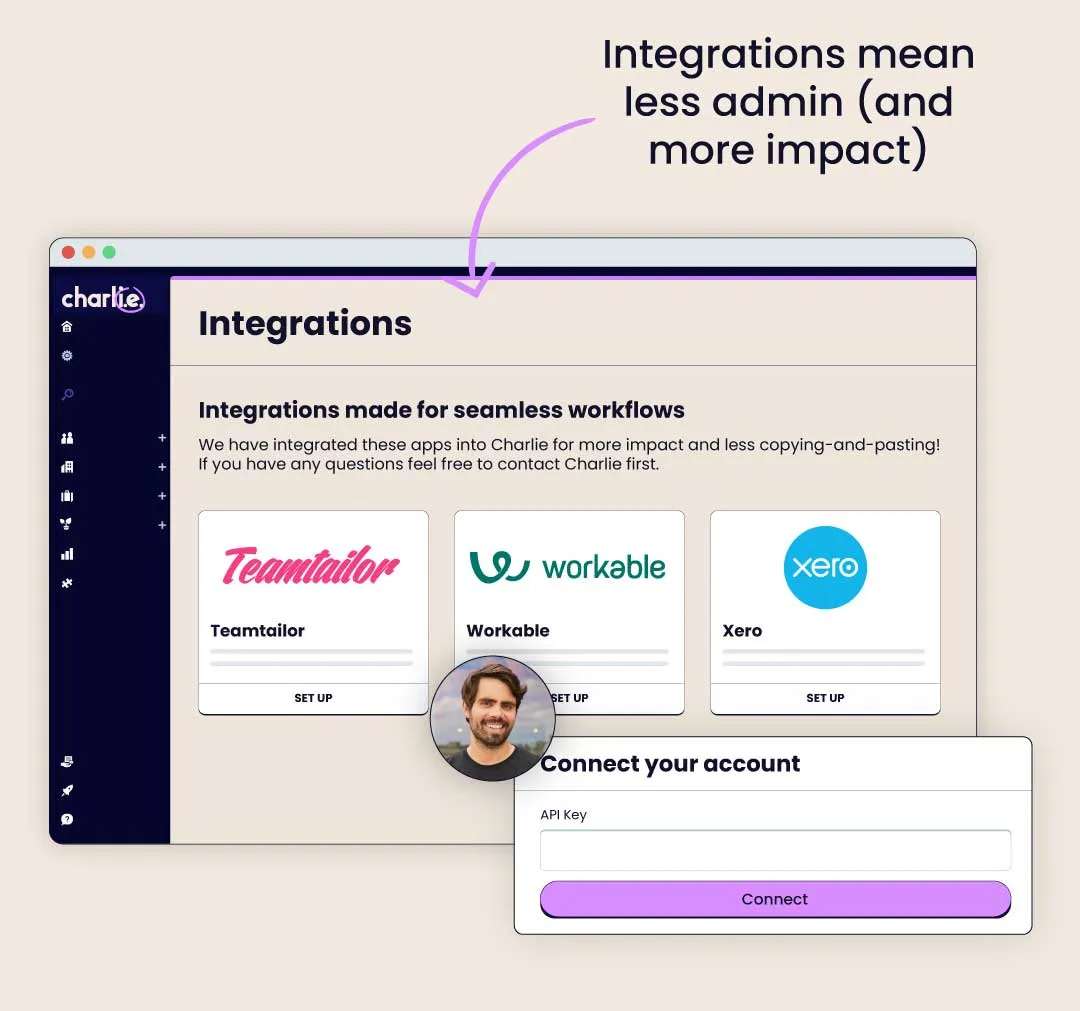
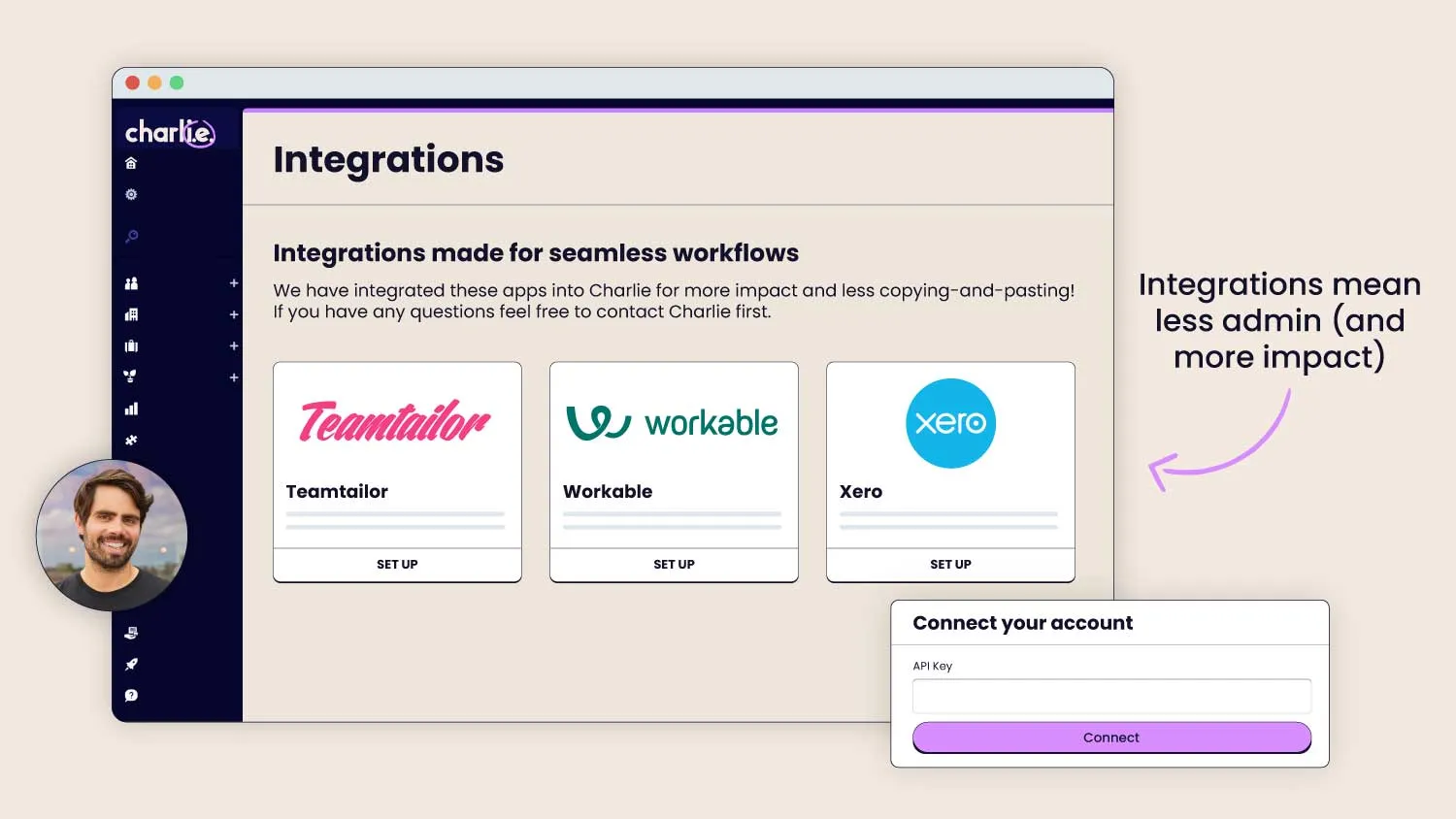
No more copy-and-pasting between platforms. From ATS, to onboarding, to payroll – Charlie integrates with your HR tools to banish hiring admin for good.
Streamlined workflow: saves you hours every week
Joined-up pipeline: for a seamless employee experience
Synced databases: stop micro-managing your records


"Every single person comes away and says 'wow, that's a really slick onboarding tool, that was so easy to use'."
Elliot Brooks, Co-Founder & Director

Collect new starter info with just one click
Read more →

Let Charlie handle your time off admin for you
Read more →

Understand your team and drive engagement
Read more →

Help your team to grow personally and develop professionally
Read more →

Give your team the experience they deserve
Read more →

Store & organise your HR records
Read more →

Easily integrate with the rest of your HR tech stack
Read more →

Discounts on services with our trusted partners
Read more →

Employee onboarding software automates the process of bringing a new hire into your business: collecting their documents, running compliance checks, and walking them through their first steps — without you having to chase them over email or Slack. If you're still using spreadsheets, Notion, or Trello to manage new starters, you're spending hours on admin that could be done in minutes. Charlie replaces that back-and-forth with a self-serve onboarding flow your new hire completes on their own. Learn more about what is onboarding in our guide and what onboarding best practices you can implement for your small business.
Yes, Charlie is built specifically for small businesses (usually under 30, but can be more) who want proper onboarding. If you're a founder, CEO, or manager juggling multiple roles, Charlie gives you onboarding software for small businesses that can be set up once and reuse for every new hire.
A lot of onboarding tools are built for enterprise HR teams with complex workflows. Charlie is simple to set up, affordable, and designed for people without HR experience. If you want a full breakdown of what to look for, our guide to the best employee onboarding software covers all your options.
You send your new hire an invite. They land on Charlie, submit their own details and documents, and work through their onboarding checklist at their own pace. And since it is self-serve, that means you can do remote onboarding as well. Your team members can complete everything online before their first day.
Charlie stores all documents and employee data securely, and the onboarding flow is built to support UK compliance requirements including Right to Work checks and the new starter checklist (P46). All your records are in one place, so you're not scrambling to find documents if you ever need them. Read more about pre-employment checks and the specifics of it in our blog.
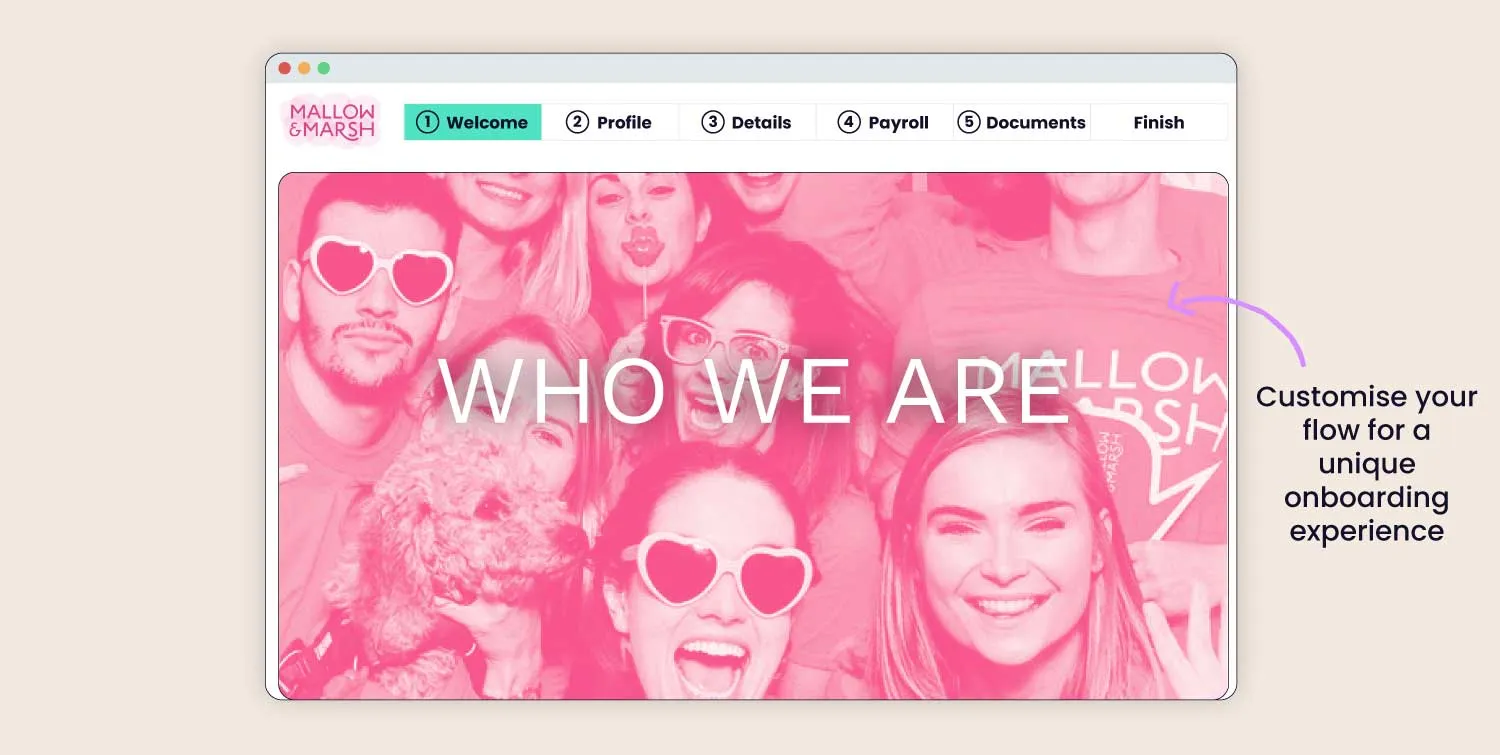
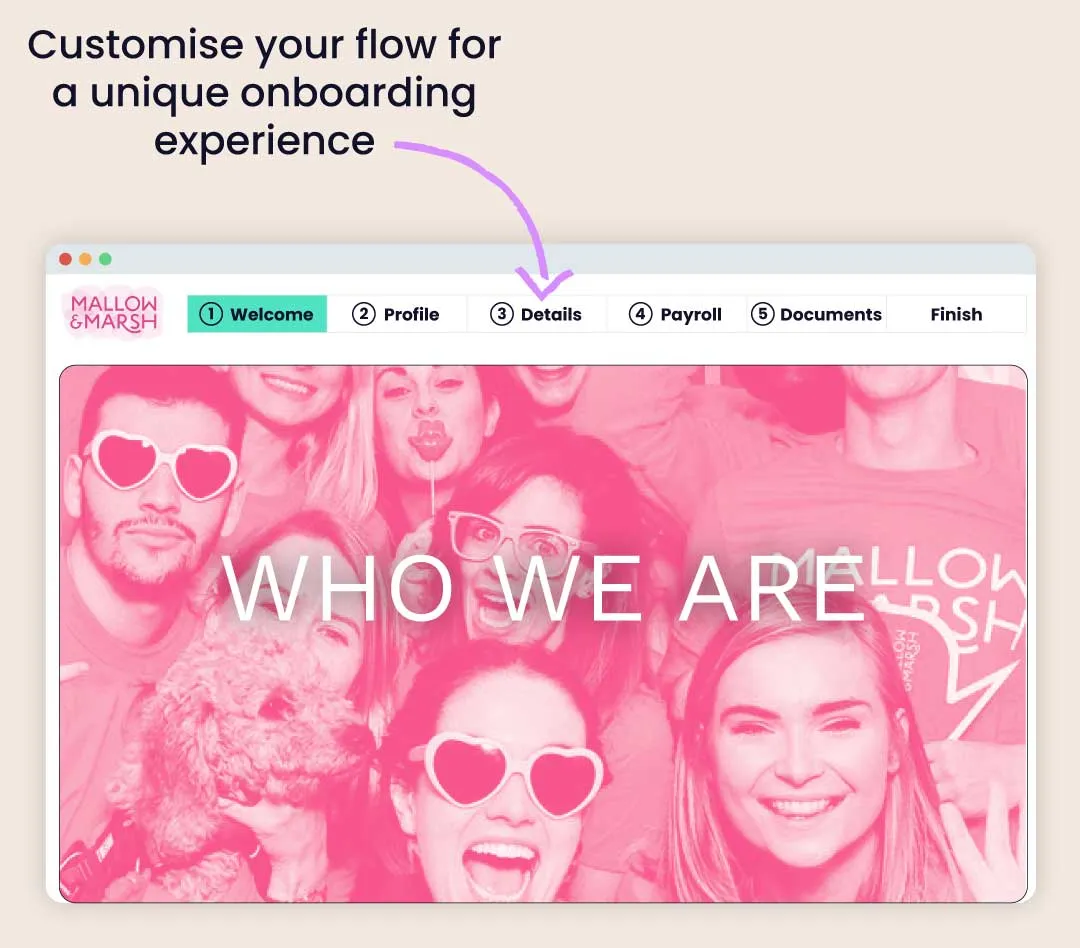
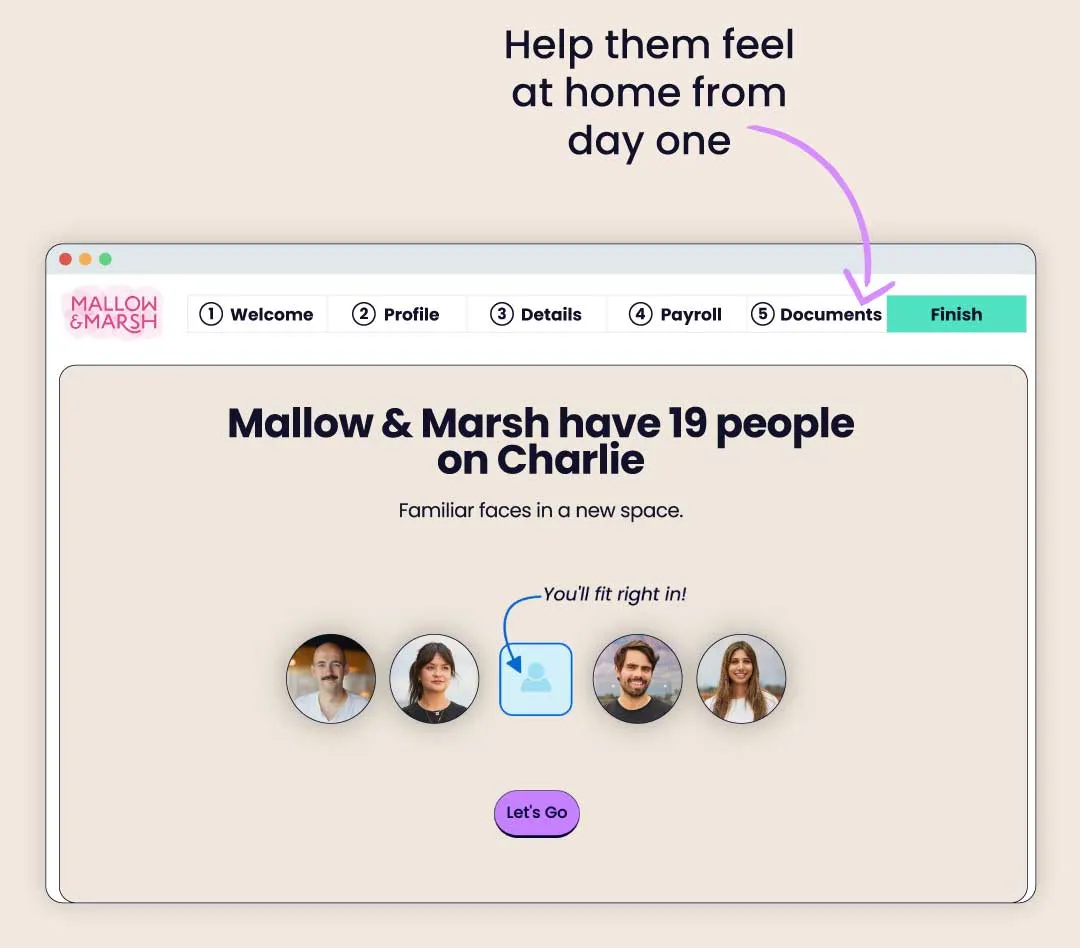
Yes, you can build a branded onboarding flow with custom slides that introduce your company, culture, and team before a new hire's first day. It's the difference between a generic welcome email and a proper onboarding experience that makes a lasting first impression. See how to welcome new employees the right way.
Yes, Charlie's interactive checklists let you set due dates, tag team members, and track completion across every onboarding task. Automatic reminders go out so nothing falls through the cracks, you don't have to manually follow up.
Spreadsheets are free, but they don't send reminders, they don't track progress, they can't collect employee documents, and one copy-paste mistake can cause a compliance headache. Most businesses switch when they hit their first painful hire. We've put together a full breakdown of why spreadsheets fail to help you make a decision.
And whilst Notion and Trello are great project management tools, they weren't built for HR. They can't collect legally required documents, and they require someone to manually maintain and update them every time you hire.
Most teams are up and running within a week. You can import existing employee data straight into Charlie, and the onboarding flow is ready to use from day one without any technical setup.
Charlie's pricing starts from £5 per month for up to 4 team members for the first six months (a 75% discount), then scales in brackets as you grow, from £20/month. It's designed to stay affordable as a small business, with no per-feature pricing on core onboarding. You can see full pricing on the Charlie website or book a demo to talk through what's included.