

Set up a painless leave management system that just works – no more distractions, no maintenance required.
Book a demo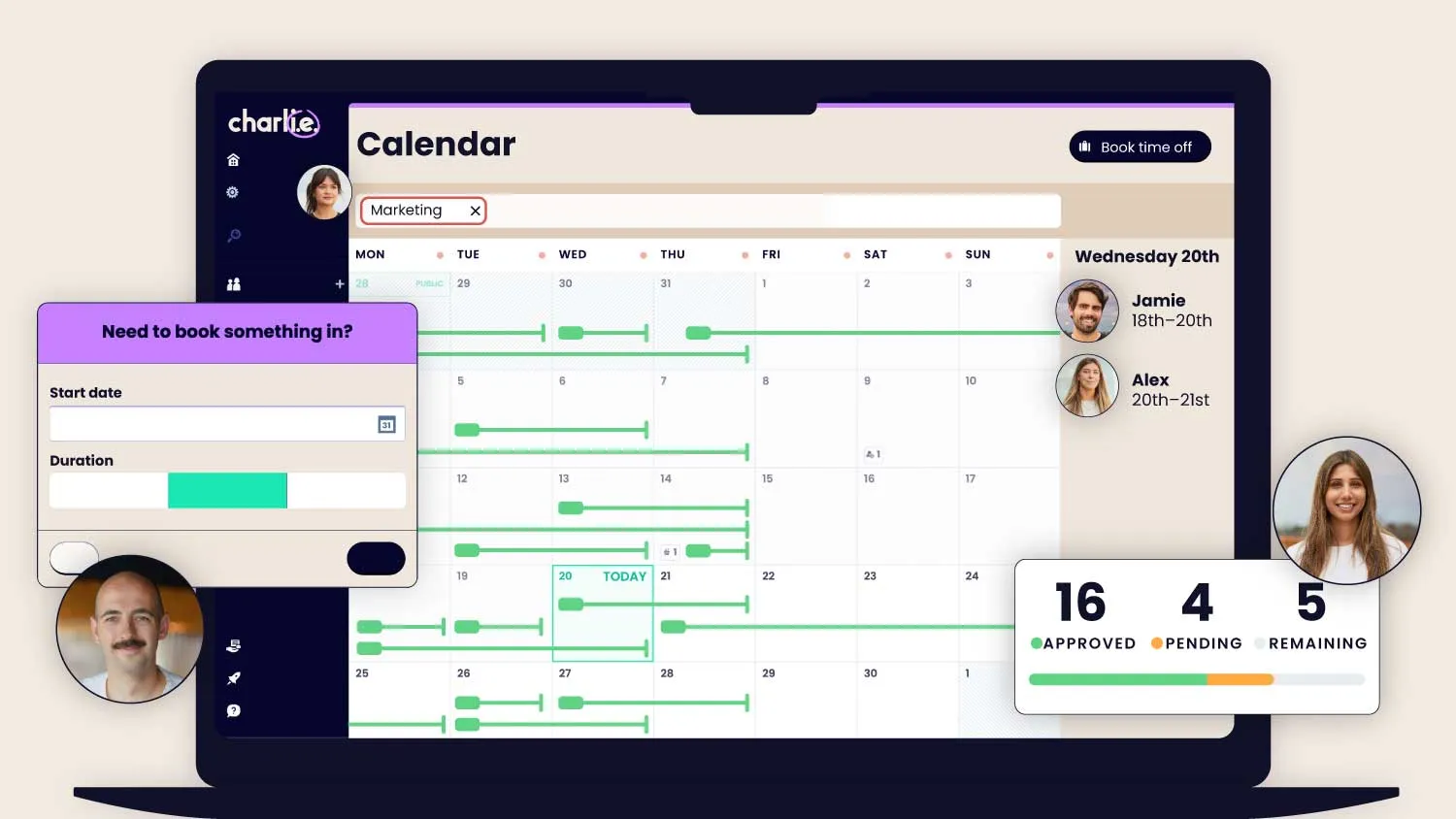
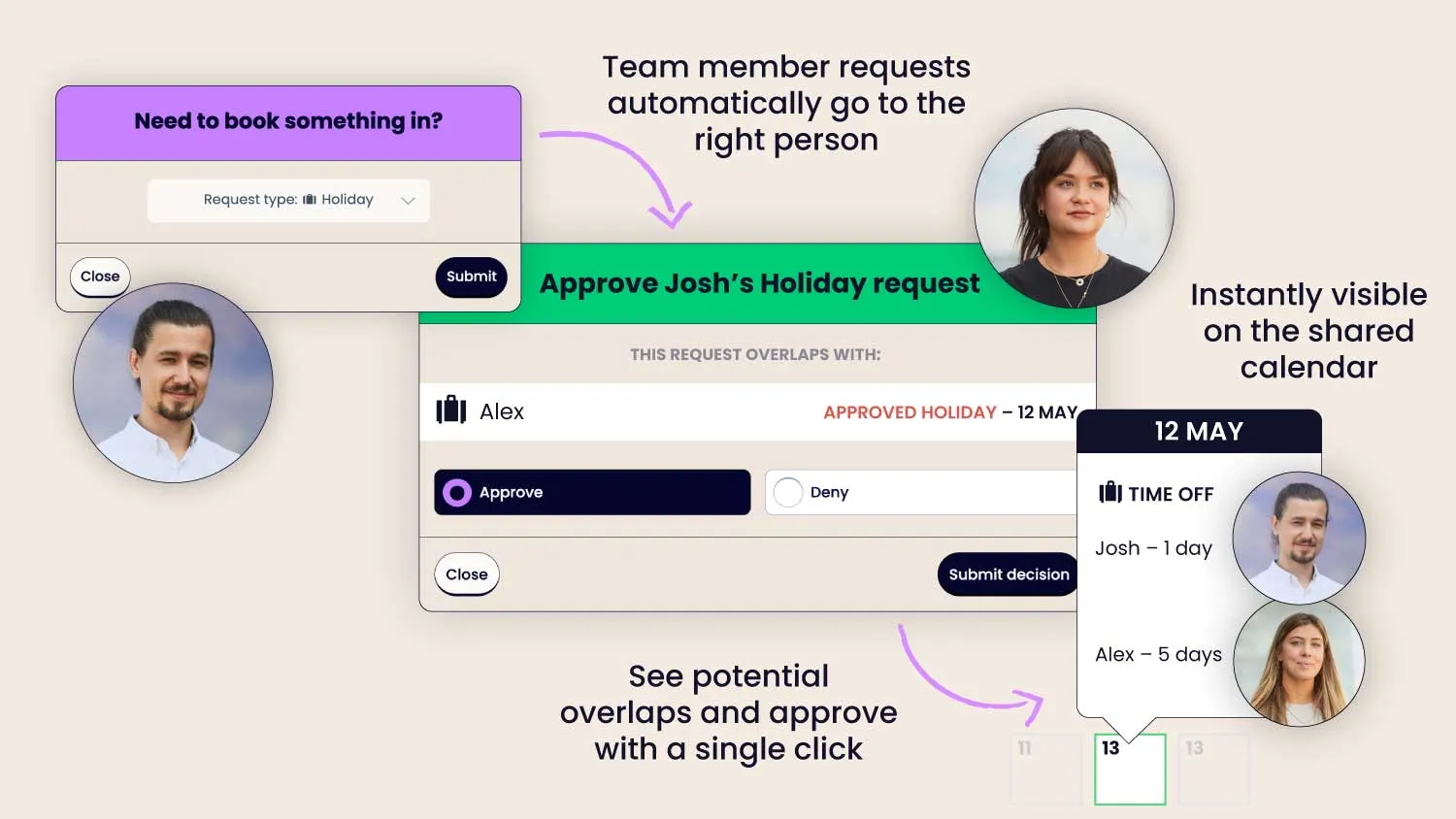
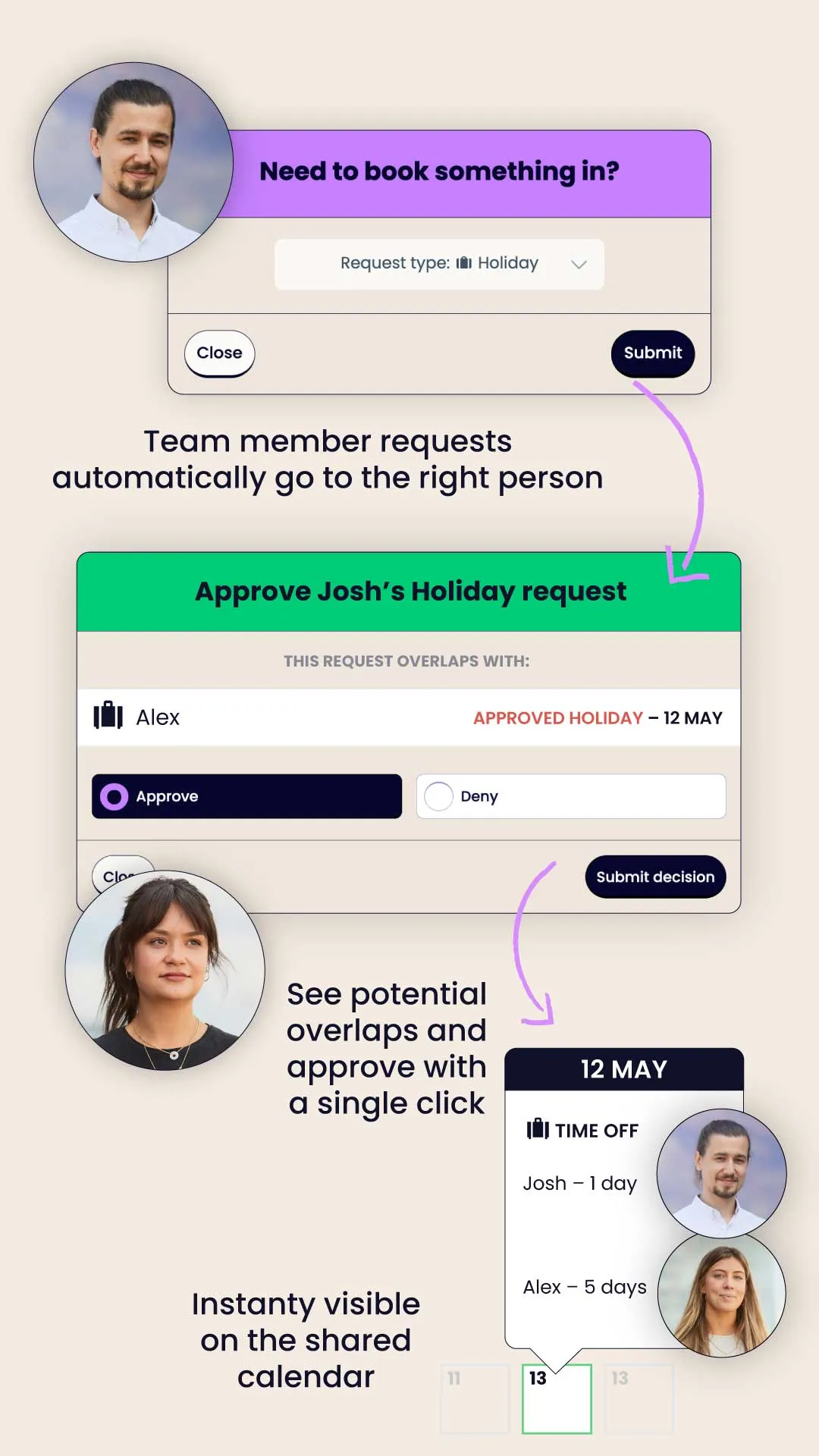
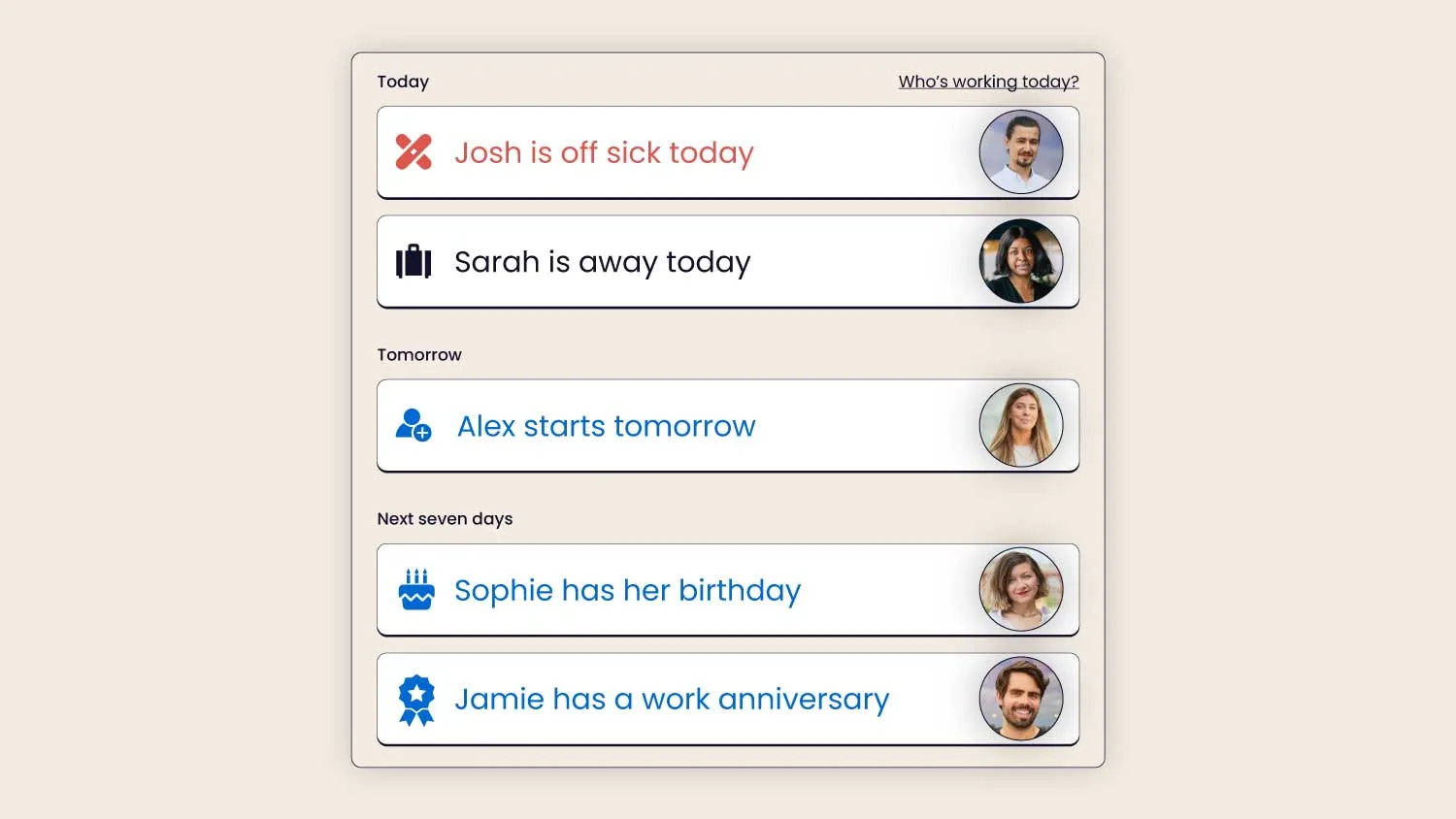
You don't have to be the one approving every leave request. They go straight to the right person, and the calendar updates itself.
Delegate approval: let managers handle leave requests
Public holidays: automatically synced to calendar
Custom leave types: tailor Charlie to fit your company
Turn your data into good decisions. Choose from our ready-made leave management reports or design the ones you need.
Annual leave reports: stay up to date with holiday use
Absence tracking: keep an eye on sick leave
Smart notifications: flags if someone needs a break
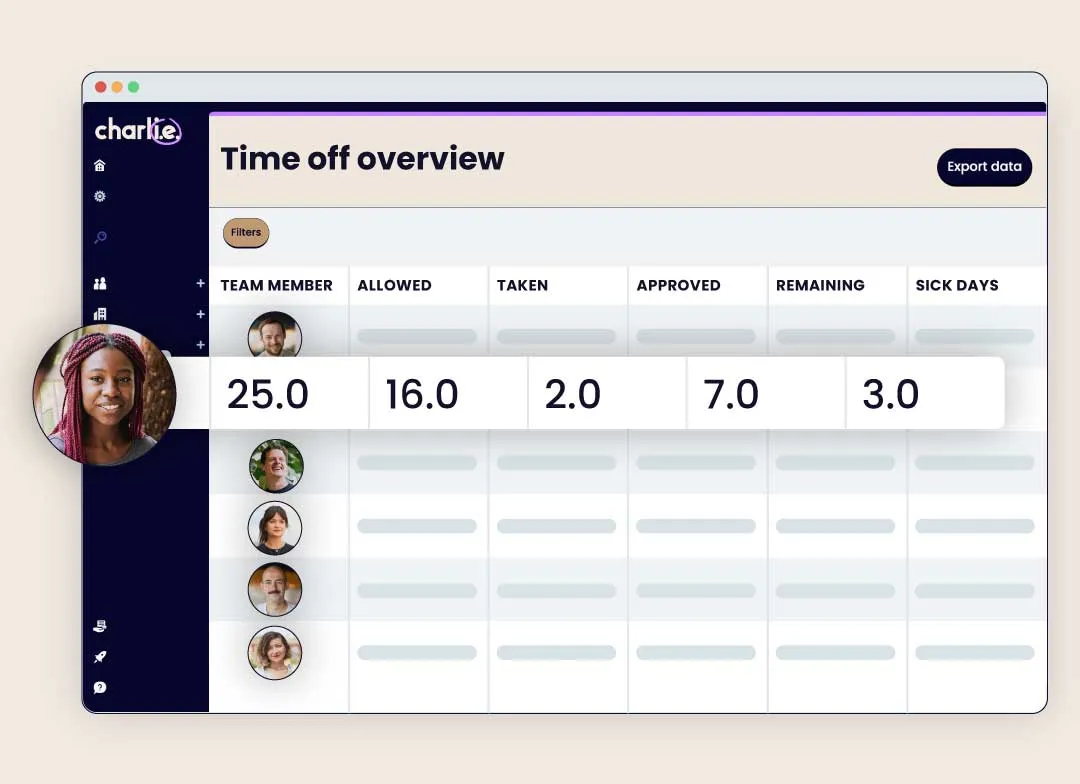
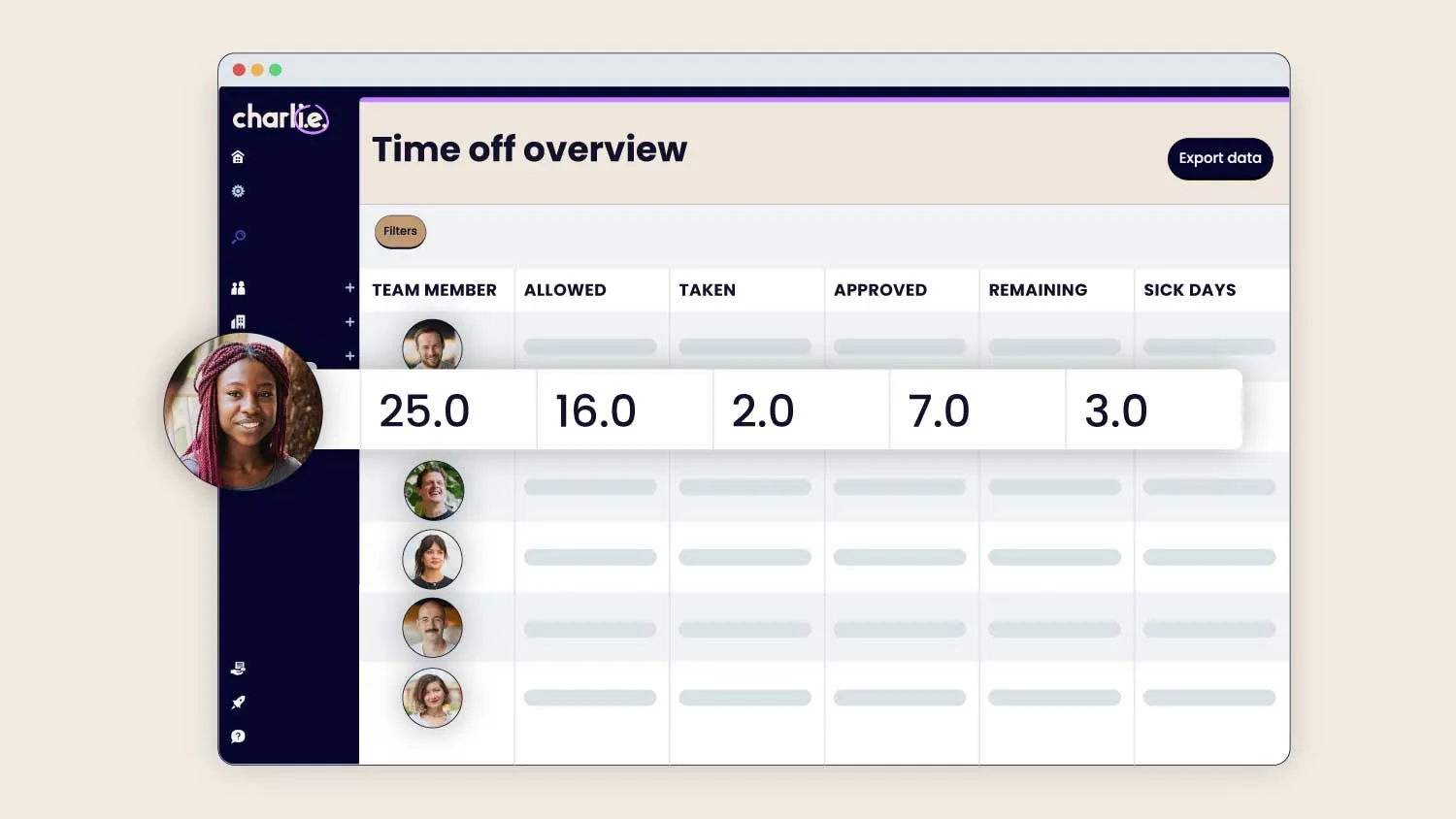
No more finger-counting. Charlie does tricky leave management calculations for you, no supervision required.
Holiday rollover: handled automatically
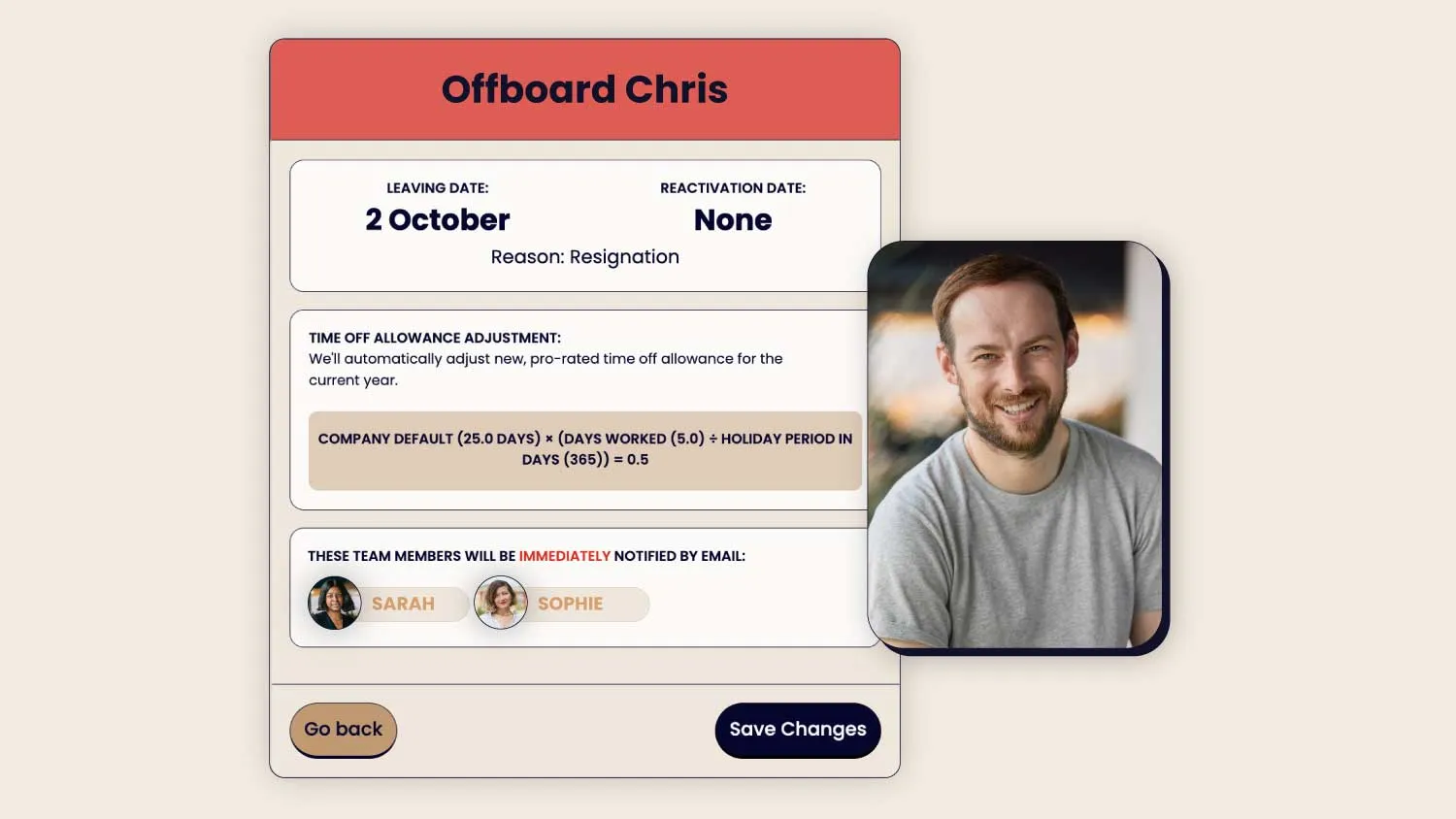
New starter leave allowance: calculated for you
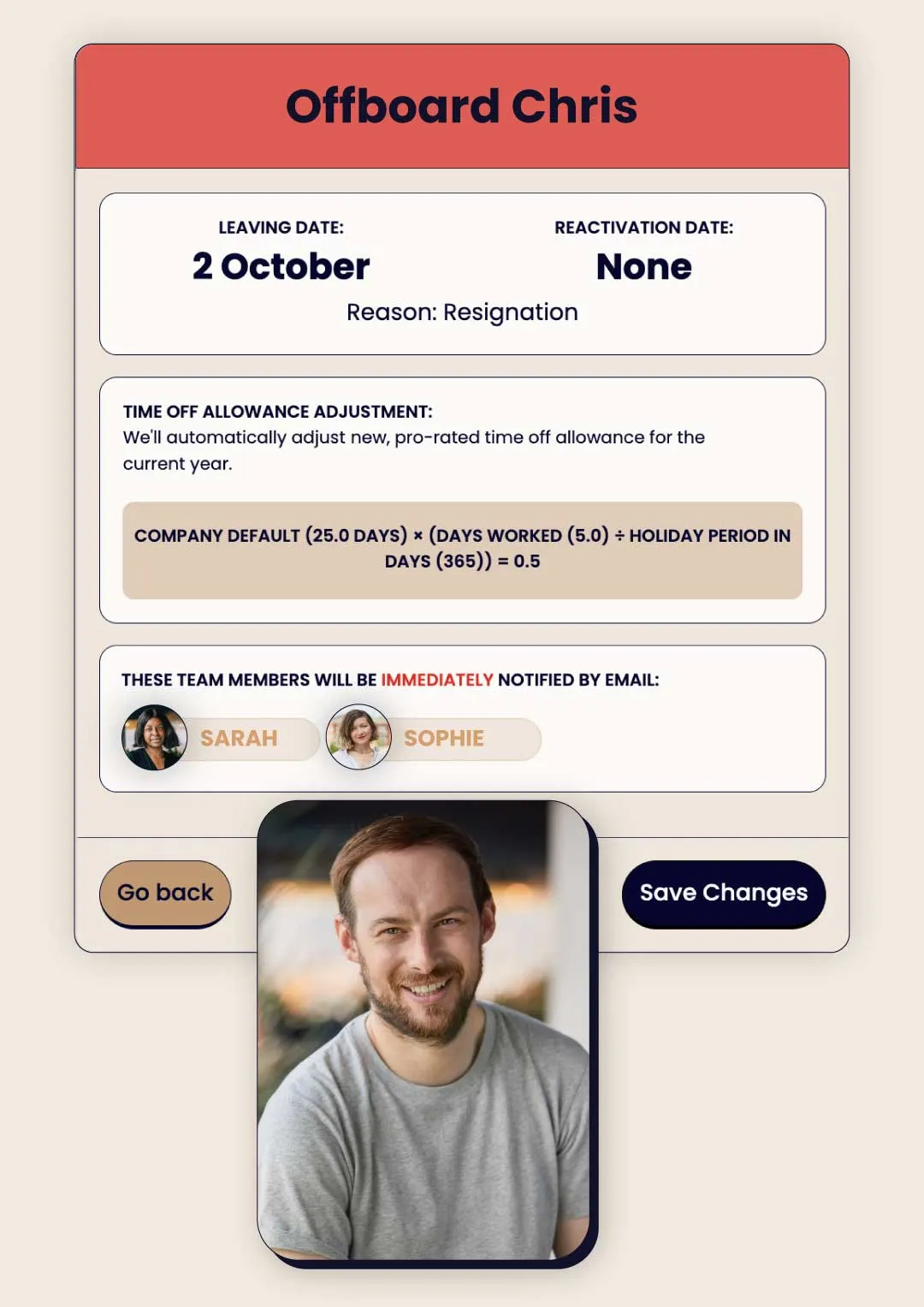
Part-time workers: holiday allowance prorated instantly
Optional expiry: set for unused TOIL and carryover
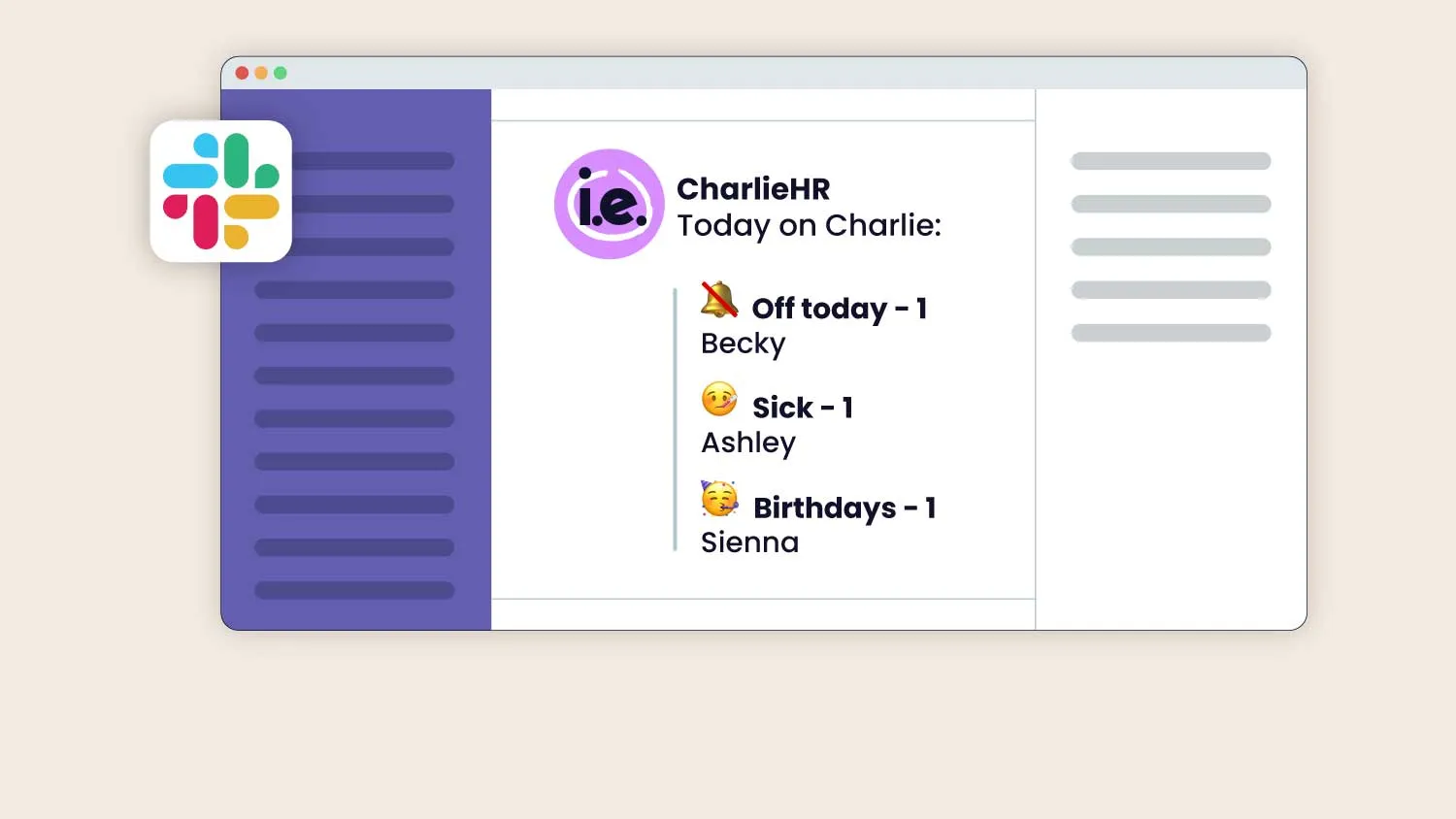
“CharlieHR has been such an excellent tool for us as a small business. We can easily manage holidays & time off using the Google Calendar & Slack integrations.”
Nicole Parry
“CharlieHR made the visibility of my colleagues and their annual leave easy. I could also know about upcoming hires easily. Perks is also awesome!”
Paul Ologeh
“For our small startup, CharlieHR has been incredible – everything is simple. I would highly recommend it to any startup wanting to take the hassle out of HR.”
Jonny Venvell
“CharlieHR has played a big part in helping scale our business successfully & efficiently. It's an awesome product that is engaging, user friendly and powered by a fabulous team of people!”
Samantha Mann
“The central system for holiday booking, reviews and managing teams is really helpful for our business. The calendar is also excellent for keeping track of holidays and WFH.”
Catherine Orr
Learn more →
…and how they make your work-life simpler



Get unlimited access to a dedicated team of CIPD-qualified advisors, plus AskCharlie, giving you the HR strategy and support to help your business grow.
Read more →

Collect new starter info with just one click
Read more →
Let Charlie handle your time off admin for you
Read more →

Understand your team and drive engagement
Read more →

Help your team to grow personally and develop professionally
Read more →

Give your team the experience they deserve
Read more →

Store & organise your HR records
Read more →

Easily integrate with the rest of your HR tech stack
Read more →


Automate your manual tasks to make better hiring decisions
Get unlimited access to a dedicated team of CIPD-qualified advisors, plus AskCharlie, giving you the HR strategy and support to help your business grow.
Find out more

A leave management system like Charlie is software that handles holiday and sickness leave. Employees request time off, managers approve it, and the system keeps track of everyone's balance. It's not a timesheet tool, and it's not a clock-in or rota system. It's specifically built for tracking annual leave and absence, not hours worked or shift patterns.
It depends on what "attendance" means to you. If you mean knowing who's off on holiday or sick versus who's expected in, leave management software like Charlie does that. If you mean clocking in/out or building shift rotas, that's a separate tool and not every leave management system does it. Charlie does offer a Papershift integration if you wanted both.
less manageable it becomes: too much manual work, confusing formulas and you’re still the bottleneck for all the queries.
Leave management software like Charlie fixes all three: requests and approvals happen in one place, balances update automatically, and nobody's waiting on you to tell them how many days they've got left.
We've written up a full spreadsheets vs time off software breakdown if you want the detail, as well as a guide to understand what it actually looked like moving off spreadsheets with examples from real Charlie customers.
Employees submit a request, which goes directly to their manager (or any other designated approver) for approval. Whoever's involved gets notified at each stage, so nothing sits in your inbox.
Allowances are calculated automatically, including pro-rata for part-time staff, so you're not doing that maths by hand. Employees can see their remaining balance at any time, rather than asking someone (usually you). Carryover limits (how many unused days can roll into the next year) are set once, and you can even set an expiry date on them. Find out more about what time off management can offer in our help centre.
And if you're moving over from an Excel holiday tracker for example, existing balances can be imported. Our holiday calculator is a quick way to check entitlement (that’s automatically calculated in our software), and we've written about why unused holiday piles up and how carryover leave works if you want more detail.
Yes, policies can vary by group, whether that's length of service, seniority (a different allowance for execs), or contract type. This also covers things like different bank holidays for employees in different locations, public holidays and company-wide shutdowns, as well as blocking requests during specific busy periods so you’re not understaffed.
Yes. Holiday, sickness, and unpaid leave are all tracked as different categories, and you can set up custom leave types too, things like birthday leave or time off in lieu (TOIL), rather than having everything under a generic “absence” label. This makes it easier to generate reports and keep track of absences, such as when you want to use tools like the Bradford Calculator.
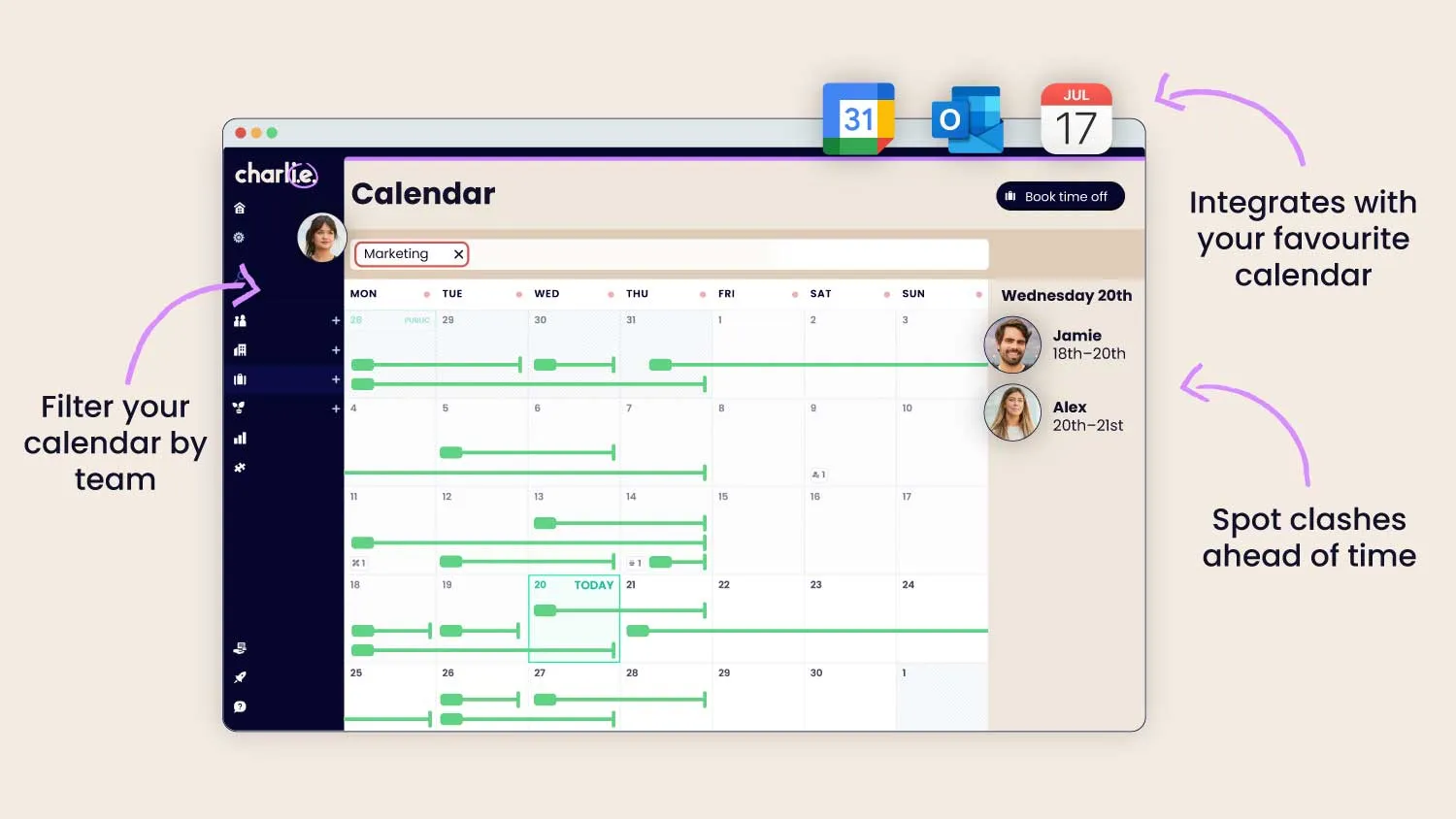
Yes, before you approve a request, you can see who else on the team is already off, and the system will flag if a new request overlaps with someone else's approved leave. That means you're not finding out three team members booked the same week off after approval. See it in context in how one team uses this for visibility.
Yes, once leave is approved, it can sync straight into an employee's or manager's existing calendar, so people aren't checking two separate places to know who's off. We've got a walkthrough on getting your annual leave into Outlook if that's your setup.
Yes, in two ways. First, payroll: accurate leave records mean unpaid leave deductions and sick pay are based on real data. Second, compliance: keeping clean, automatic records of statutory entitlement and absence is exactly what you'd need if you were ever asked to show you're meeting UK leave requirements, especially since UK law now requires you to keep up to 6 years of leave records.
Yes, Charlie is built specifically for companies of 10-50 people, and supports them as they grow past that too. We also have lots of companies under the size of 10. You don't need a dedicated HR person and setup usually takes less than a week. For more on what time off management looks like specifically at a smaller company, see our guide to managing time off in small businesses. Feel free to have a look at Timetastic vs Charlie or Charlie vs Breathe to see how we compare on time off management.