If you’re using Trello for employee onboarding at your small business, it probably made sense at first. It’s visual, familiar, and easy to start with, so it can feel like a simple way to keep everything in one place. As your team grows, though, it can start to feel like you’re spending more time managing onboarding admin than actually helping new hires get settled.
Should you make the switch to a dedicated HR software like Charlie, or is Trello enough for now?
Trello and Charlie are built for different jobs. Trello helps you track tasks. Charlie helps you run onboarding as a process. When you’re responsible for Right to Work checks, HMRC starter checklists, employment contracts, and sensitive personal data under GDPR, the real comparison isn’t just free versus paid. It’s the difference between a manual setup and an automated process you can rely on.
At Charlie, we know that in small businesses, onboarding often sits with someone whose main job is something other than Human Resource (HR) management. Without professional onboarding software, juggling multiple roles makes it harder to keep the process consistent, and tougher to give new hires the clear, professional start that helps them settle in quickly.
This guide will help you see where Trello works, where it starts to create friction, and when dedicated onboarding software like Charlie becomes a better fit.
The key difference is that Trello is built for general projects, while Charlie is built for onboarding.
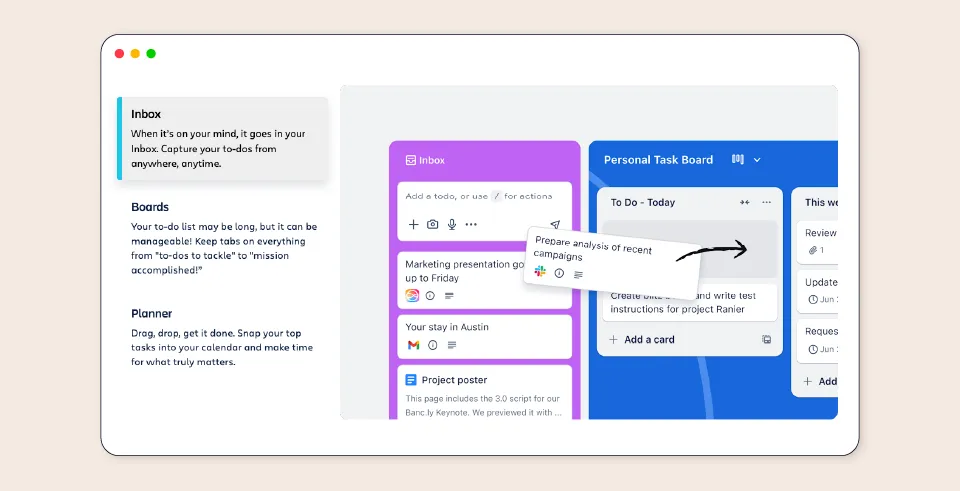
Trello is a flexible work management tool that can be adapted to work as an onboarding task tracking system.
CharlieHR is built to run onboarding as a full, compliant HR process for small businesses.
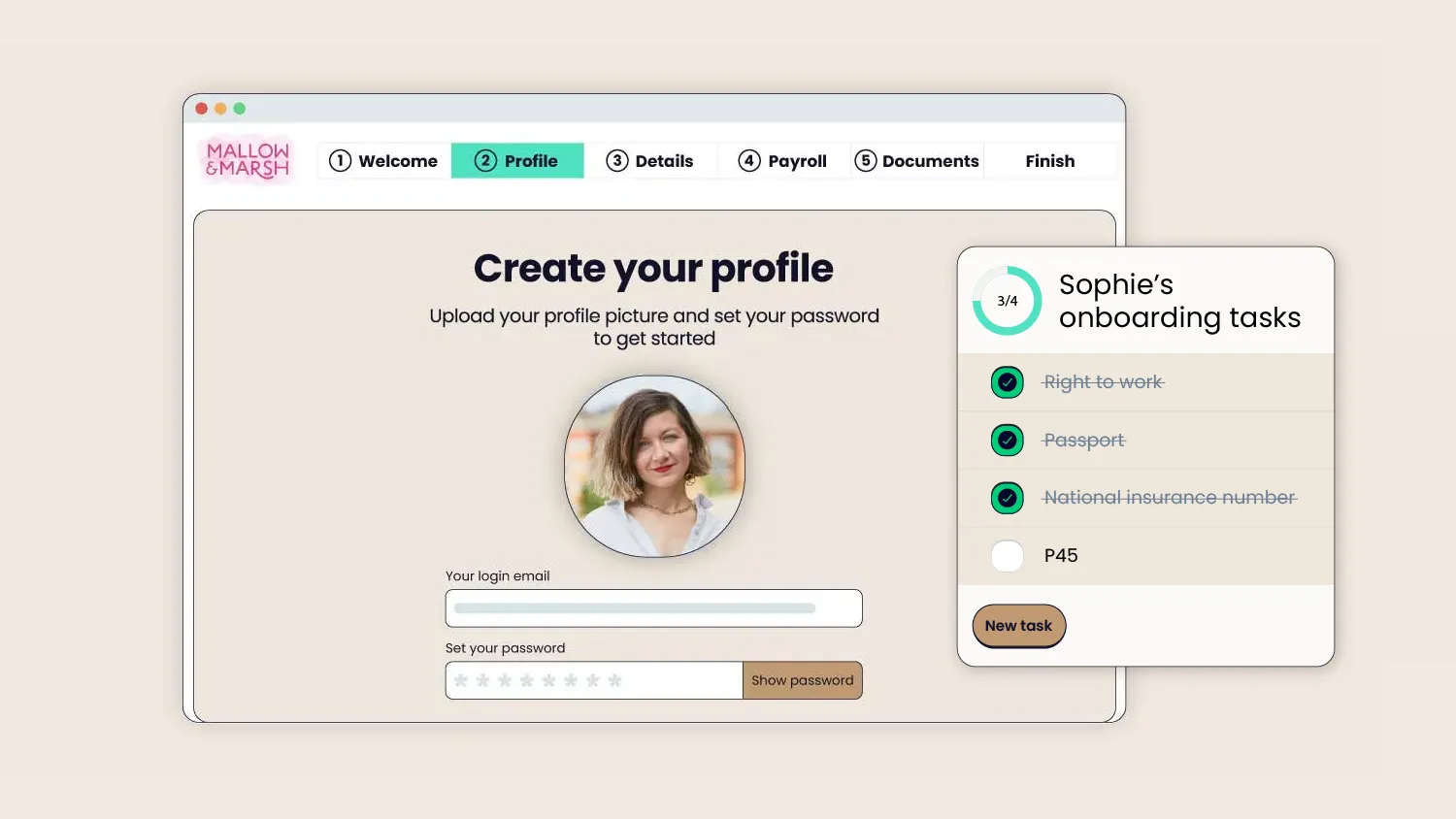
For founders and ops managers at small firms, HR is often a side-desk job squeezed between growth and operations. When time is your scarcest resource, a missed HMRC starter checklist or a forgotten contract is more than an admin slip. It can create legal risk and leave your onboarding process exposed.
Charlie HR software helps you avoid those types of gaps for seamless onboarding that welcomes new employees to your team.
The Monday morning reality example:
The Trello reality: It’s 9:00 a.m. on Monday. Your new hire arrives. You think the laptop is ready, but the card hasn’t moved. Is the contract signed? It’s buried in someone’s inbox. Was the Right to Work check done? You’ll have to ask around to be sure.
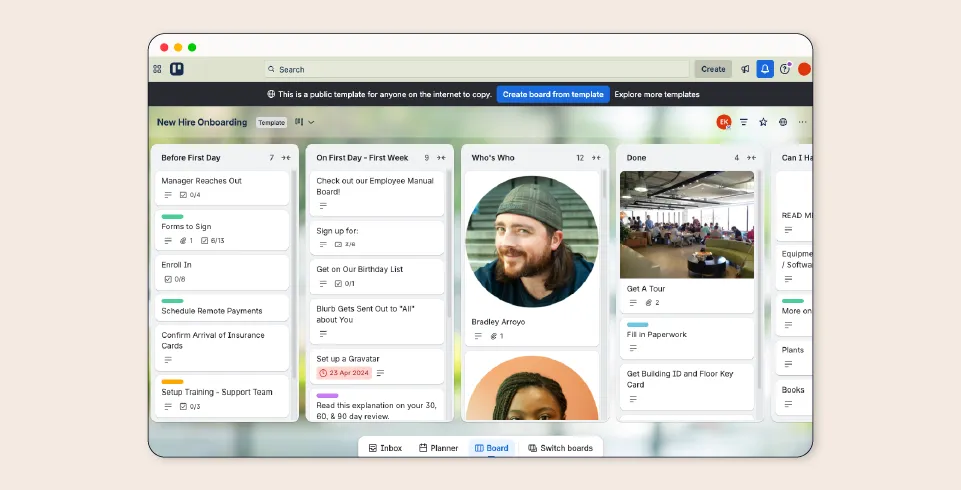
The Charlie reality: Before day one, Charlie helps you:
We know there’s real pressure to retain good people, and a positive onboarding experience plays a big part in that. It helps new hires feel welcome, settle in with confidence, and start well.
Insight Global’s 2025 Employee Sentiment Report found that 80% of workers say they would stay in a role longer if the onboarding process was better.
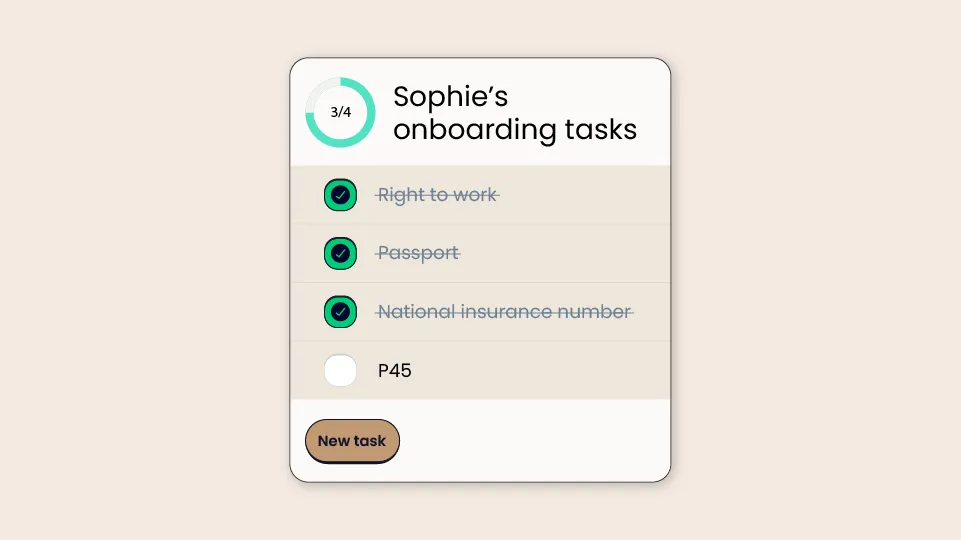
Trello gives you visibility into the task portion of onboarding by showing you what tasks exist and allowing you to move them off your list when complete. Charlie adds accountability by helping the right person complete their assigned tasks on time.
The problem with using Trello for onboarding is that the cards don't move themselves. A task card can sit on a board indefinitely until someone remembers to update it, which means you’re still the one doing the manual chasing.
Charlie automates that momentum by routing specific jobs, such as payroll setup for Finance or laptop prep for IT, directly to the person responsible. It does the "chasing" so you don’t have to.
Trello shows you what needs to happen. Charlie helps make sure it actually happens.
Trello helps you track onboarding tasks, while Charlie helps you run onboarding as a process.
Trello is popular for good reason: it’s flexible, straightforward, and easy for small teams to pick up quickly.
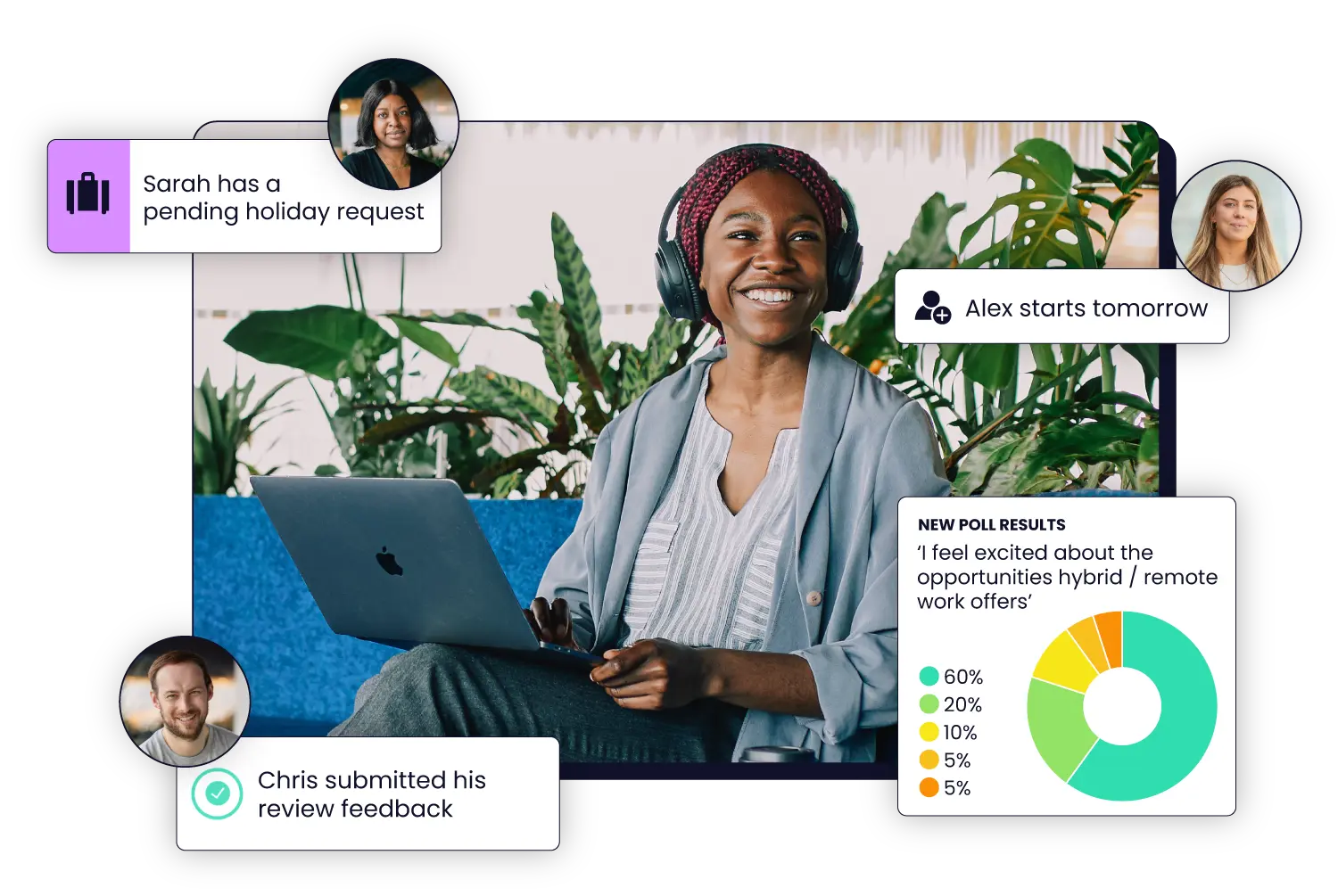
Charlie is set in a fun and friendly user interface that turns onboarding into a repeatable, professional HR process. It keeps the right steps, documents, and people together in one place, providing compliant and effective onboarding for small businesses.
Trello tells people what to do. Charlie makes sure it actually happens.
For example, Sophie Hanman, Customer Happiness Manager at London Nootropics, found that moving away from manual tracking stopped HR tasks from feeling like a "second job" for the team. By moving their processes into Charlie, they were able to automate the steps that used to lead to human error, ensuring no milestone or compliance detail was missed.

As Sophie puts it: “Before Charlie, it was something people had to think about and taking holidays almost became another job on the to-do list. It's now so seamless we don't even have to think about it.”
Trello’s flexibility is one of its strengths, especially for small project work. CharlieHR is the stronger fit when onboarding needs to feel more professional, with key HR steps built into the process rather than managed in different places.

James Gill, CEO of London-based GoSquared, used to manage onboarding with a manual Trello checklist. As the business grew, the admin back-and-forth started to become a bottleneck.
By switching to a dedicated system, James was able to step back from the admin burden and run onboarding more efficiently.
James’s advice to other founders? "Having Charlie in place as early as possible is going to save you so much time and energy. If you don't, then you're just giving yourself things to worry about."
When your company grows beyond two or three people, Charlie is the more efficient choice for HR processes.
Trello is a good tool for small project tracking, and in some cases it’s a perfectly reasonable place to start your onboarding program. It works best when your process is still informal and one person can manage all the onboarding steps.
Choose Trello if:

You’re hiring your first employee and need a simple checklist
You want to map out onboarding goals or milestones for the future
You need a temporary stopgap while you set up a proper HR system
Making the switch from Trello to Charlie often happens because Trello boards stop saving you time and start creating more admin.
Switch to CharlieHR if any of the following occur:
You’re rebuilding a Trello board for every new starter
You’re missing tasks because no one clearly owns them
You’re still getting things ready after new starters arrive
You can’t easily confirm whether key onboarding steps are done
You’re giving different onboarding experiences from one hire to the next
When any of these signs show up, it’s an indication that you’ve outgrown Trello for onboarding. This is where HR software changes the experience.
Instead of relying on memory and follow-up, CharlieHR give you clearer ownership, a central employee record, and a more repeatable process.
Trello can help you organise onboarding. Charlie is built to run it. If you want onboarding management tools that support the best employee onboarding process for small businesses, Charlie is the stronger fit.
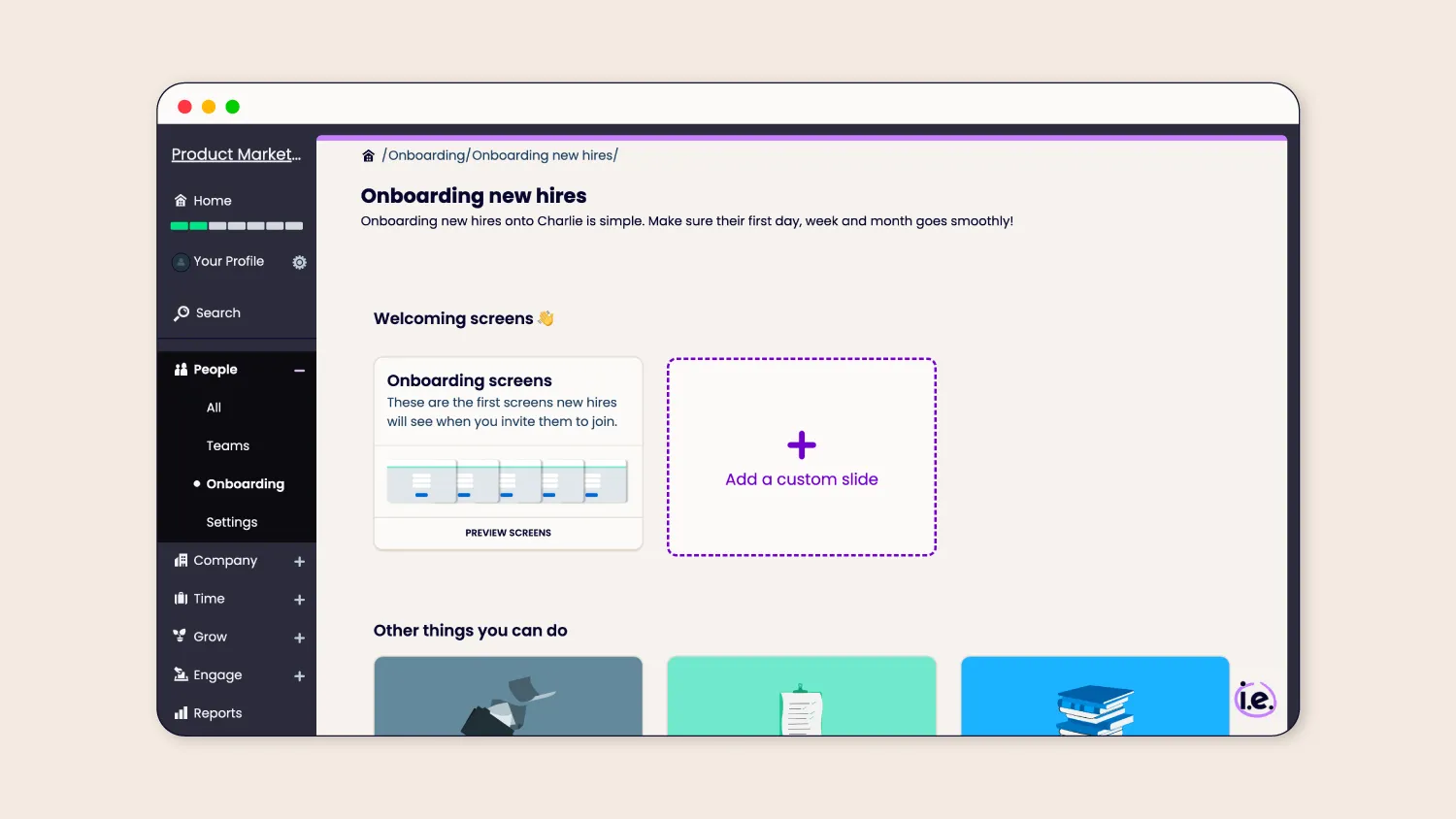
Getting started with CharlieHR onboarding system is as simple as plugging in your company details. From there, our platform provides a structured, compliant framework that’s ready to use immediately.
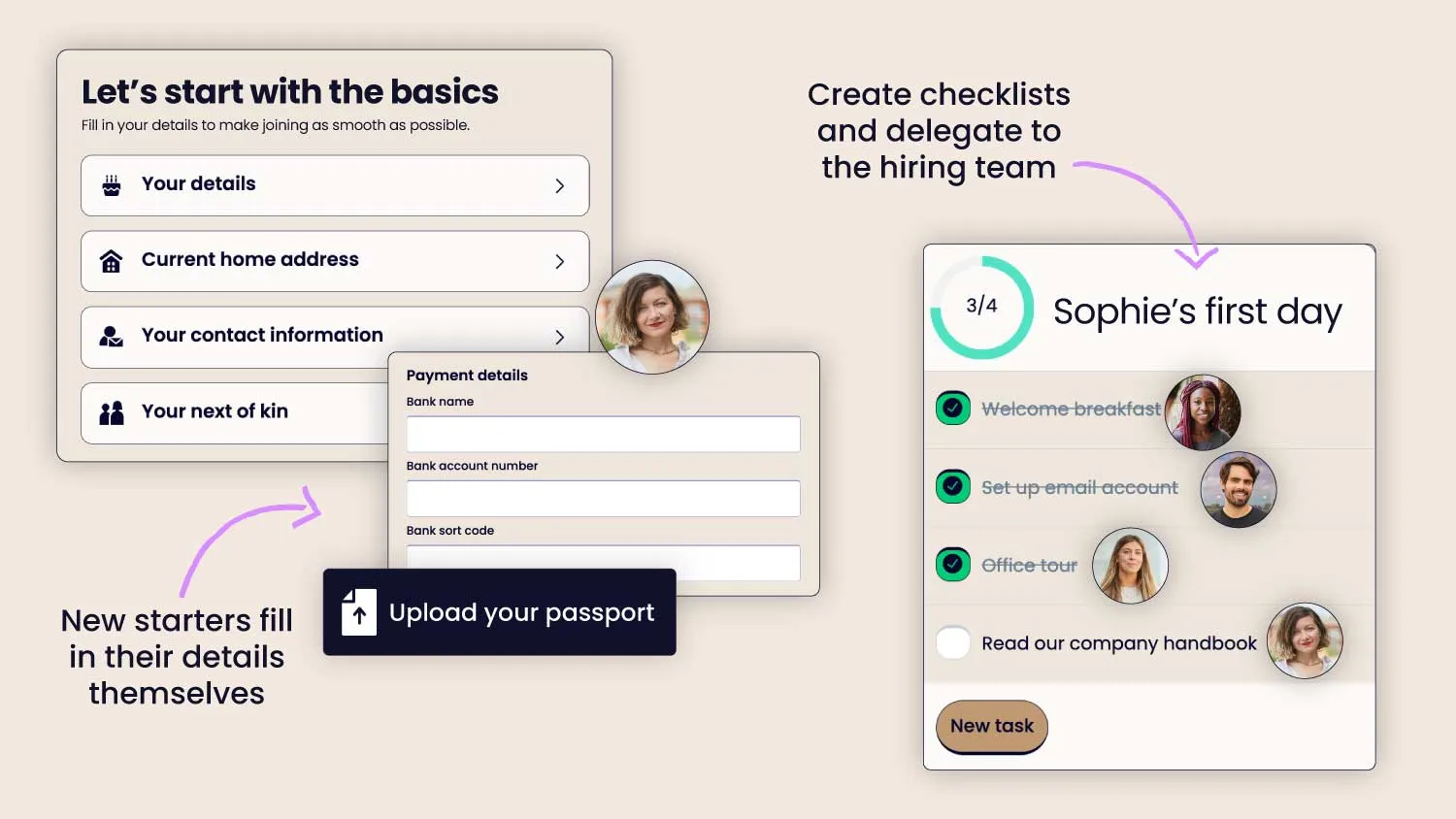
The most effective way to start is by automating the tasks that usually cause the most friction: HMRC starter checklists, passport, VISA, and more. In Charlie, these aren't manual reminders; they are automated workflows that the new hire completes themselves before their first day.
Once the basics are automated, you can begin delegating tasks across the team. Instead of an office manager chasing a founder for a contract, or a line manager forgetting to request a laptop from IT, Charlie routes these tasks to the right people at the right time.
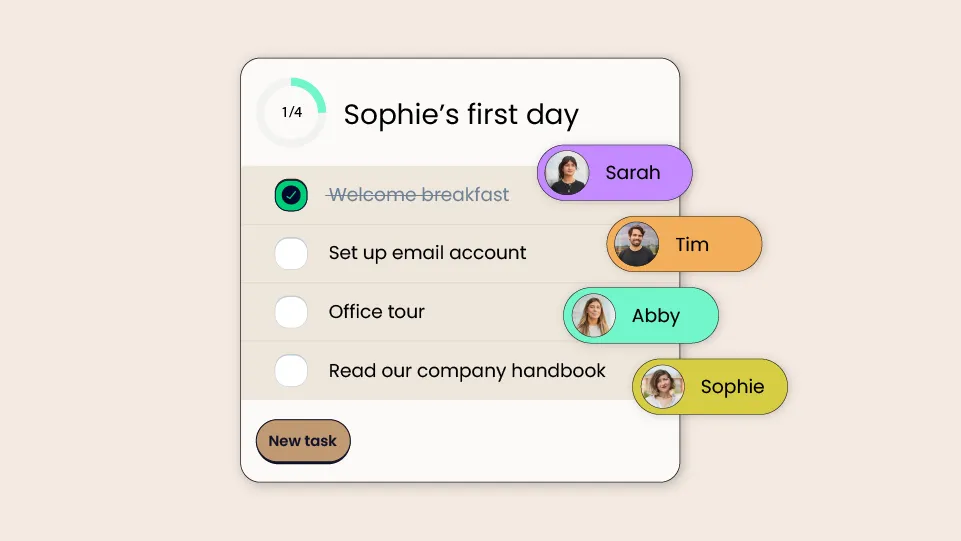
For businesses under 30 people, the goal isn't just to "do" onboarding, but to do it consistently. By using a dedicated system, you ensure that every hire gets the same high-quality experience, your GDPR obligations are met, and your records are stored securely in one place, not scattered across Trello cards and email threads.
Start welcoming, stop chasing! If you’re ready for less chasing, cleaner ownership of tasks, and a more secure way to manage your compliance, it might be time to try CharlieHR.
Sign up for a free trial or book a demo to see how Charlie can help you build a consistent, professional onboarding experience for your team.

Valentina Milanova, CEO & Founder of Daye, says her 42-member team saves about 50 hours per week since they started using CharlieHR software.
Moving from Trello to CharlieHR is pretty straightforward because you’re moving from a manual board setup to software built for onboarding. Charlie is lighter and easier than most HR software, and is tailored to the needs of small businesses.
Charlie offers a free 7-day trial, and plans start at £20 per month. All plans include access to Charlie’s full onboarding features.
Yes, your team members will find Charlie easy to use. It’s built for small teams, and designed to be clear and easy to use for both the people running onboarding and the new hires moving through it.
Trello can be quicker to start because it’s a blank board, but someone still has to build and manage it. Charlie takes a bit more upfront setup, but it saves time overall because the process then runs itself, without having to be rebuilt for each new hire. You can also compare how onboarding software compares against Notion for another manual vs automated comparison.
“What I love about Charlie HR is how easy it is to set up and operate. It's the second time I've had Charlie HR installed at a company I've worked at, and I can't recommend it highly enough. The support team is always on hand and keen to solve any issues.”
“Using charlie has saved me so much time and energy. No one wins when I am spending hours on admin tasks every week… Now, I have more time to focus on my most important work.”